


Huddle Rooms: Definition, Benefits, Best Practices, and When to Use Them in 2026
Hayley Spooner, Jul 16, 2026
Key takeaways
- Huddle rooms are compact meeting spaces designed for two to six people.
- They help organizations make better use of office space while supporting hybrid work.
- Modern huddle rooms combine flexible layouts with integrated collaboration technology.
- Meeting spaces that are Artificial Intelligence (AI)-ready improve productivity and reduce meeting friction.
- Huddle rooms are ideal for informal collaboration, one-to-ones, stand-ups, and hybrid meetings.
- Choosing the right technology is just as important as choosing the right furniture and layout.
- Organizations should design huddle rooms around how people actually work rather than traditional conference room standards.
The way people collaborate has changed dramatically over the past few years. Today’s workplaces need to support everything from quick project check-ins and one-to-one conversations to hybrid meetings with colleagues joining remotely.
As a result, organizations are increasingly looking beyond traditional conference rooms and investing in smaller, more flexible collaboration spaces. Huddle rooms have become one of the most effective ways to support this shift, providing dedicated spaces for spontaneous teamwork without occupying larger meeting rooms unnecessarily.
Research from JLL’s workplace research highlights the growing importance of workplace experiences that encourage collaboration, flexibility, and employee engagement.
This guide explains what a huddle room is, why organizations are investing in them, and how to design high-performing huddle spaces that support hybrid work in 2026 and beyond.
What is a huddle room?
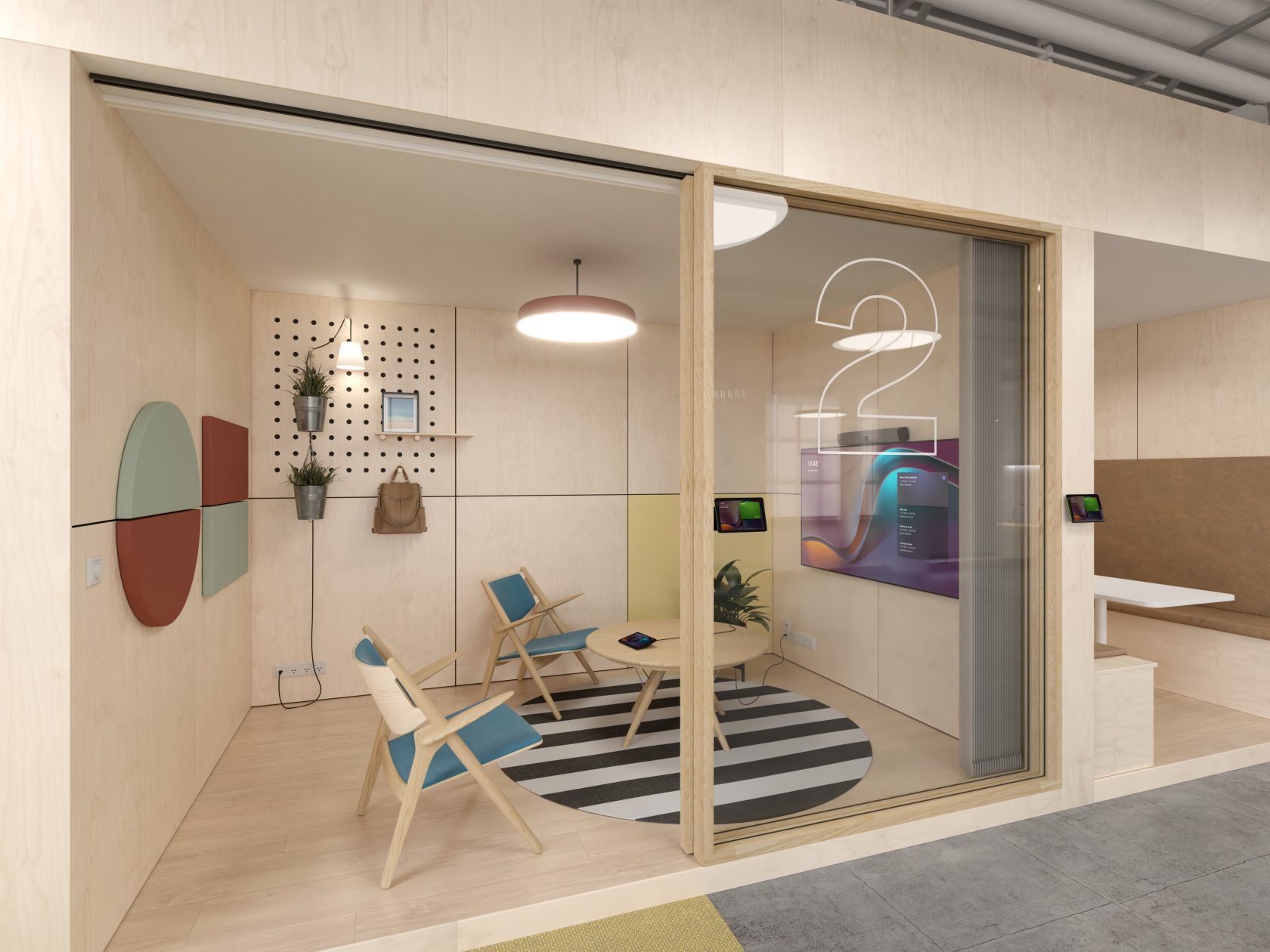
A huddle room is a small, technology-enabled meeting space designed for quick, informal collaboration between two and six people.
Inspired by the “huddle” in team sports, these rooms provide employees with a place to regroup, exchange ideas, solve problems, and make decisions without needing to book a larger conference room.
Unlike traditional boardrooms, huddle rooms prioritize speed, flexibility, and ease of use. They’re commonly equipped with integrated video conferencing technology, a display, wireless content sharing, and intuitive room controls that support both in-person and remote participants.
A modern huddle room typically includes:
- High-quality video conferencing technology
- Integrated microphones and speakers
- Wireless content sharing
- Collaboration software
- Comfortable, flexible furniture
- Reliable network connectivity
The goal is to create a meeting space that enables fast, productive collaboration without unnecessary complexity.
Why huddle rooms matter in today’s workplace
Many organizations have discovered that the way people use office space has changed.
While large conference rooms remain important, a significant proportion of meetings now involve only a small number of participants. When these meetings occupy larger rooms, office space becomes less efficient and employees often struggle to find the right room at the right time.
Huddle rooms solve this challenge by providing dedicated spaces for focused collaboration while freeing larger meeting rooms for presentations, workshops, and executive meetings.
They also support the growing need for hybrid work by giving small teams access to professional collaboration technology that enables remote participants to contribute naturally.
The benefits of huddle rooms
Better collaboration
Huddle rooms encourage spontaneous discussions and faster decision-making. Instead of waiting for scheduled meetings, teams can quickly gather to solve problems, share ideas, or align on priorities.
More efficient use of office space
Matching room size to meeting size helps organizations make better use of their workplaces. Smaller collaboration spaces reduce pressure on larger conference rooms while improving overall space utilization.
Stronger hybrid meetings
With integrated collaboration technology, huddle rooms help remote participants feel more connected to conversations through high-quality audio, intelligent video, and simple content sharing.
Reduced meeting friction
Employees increasingly expect meetings to begin immediately. Integrated meeting technology reduces setup time by eliminating unnecessary cables, adapters, and complicated room controls.
Greater flexibility
Huddle rooms can support a wide variety of activities, including:
- Daily stand-ups
- One-to-one meetings
- Brainstorming sessions
- Customer video calls
- Project check-ins
- Interview meetings
- Focused teamwork
When should you use a huddle room?
Not every meeting requires a traditional conference room.
Huddle rooms are particularly effective when teams need a space for quick collaboration without occupying larger meeting environments.
| Meeting type | Why a huddle room works well |
| Daily stand-ups | Fast team alignment |
| One-to-one meetings | Private conversations |
| Brainstorming sessions | Creative collaboration |
| Hybrid meetings | Better experiences for small groups |
| Customer video calls | Professional environment |
| Project check-ins | Faster decision-making |
Matching meeting spaces to meeting types helps improve both productivity and workplace utilization.
Designing an effective huddle room
A successful huddle room balances comfort, collaboration, and simplicity.
Rather than filling the room with technology, focus on creating an environment where people can meet naturally and technology works seamlessly in the background.
Key design considerations include:
- Flexible furniture
- Integrated collaboration technology
- Good acoustics
- Adjustable lighting
- Wireless content sharing
- Minimal cable clutter
- Intuitive room controls
The best huddle rooms remove barriers to collaboration rather than introducing them.
Choosing the right technology for a huddle room
Technology has become one of the defining characteristics of successful huddle rooms.
Employees expect meetings to start quickly without needing technical support or complicated setup procedures. Organizations therefore benefit from choosing integrated collaboration solutions that reduce hardware complexity while delivering consistent experiences.
When evaluating technology, consider whether it provides:
- Integrated cameras, microphones, and speakers
- Native support for collaboration platforms
- AI-powered framing and audio enhancements
- Wireless content sharing
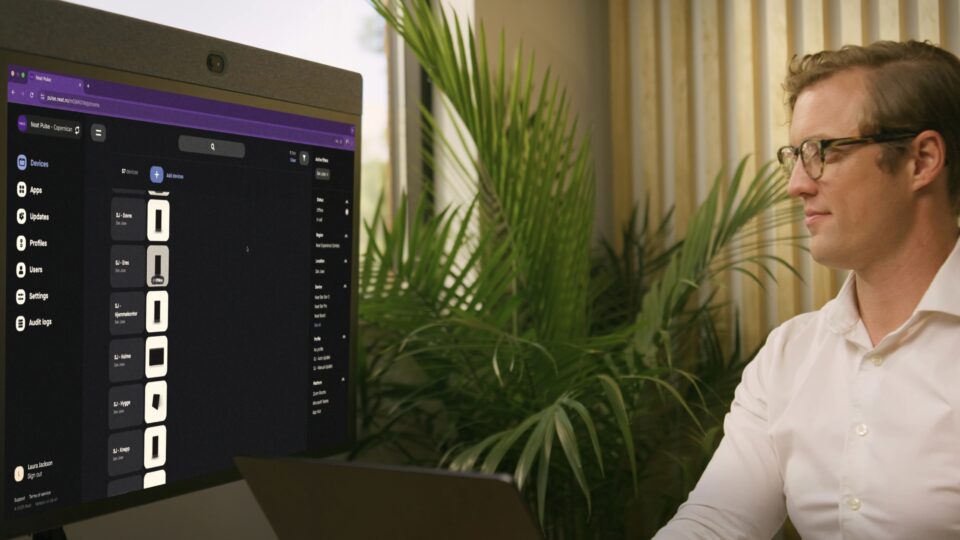
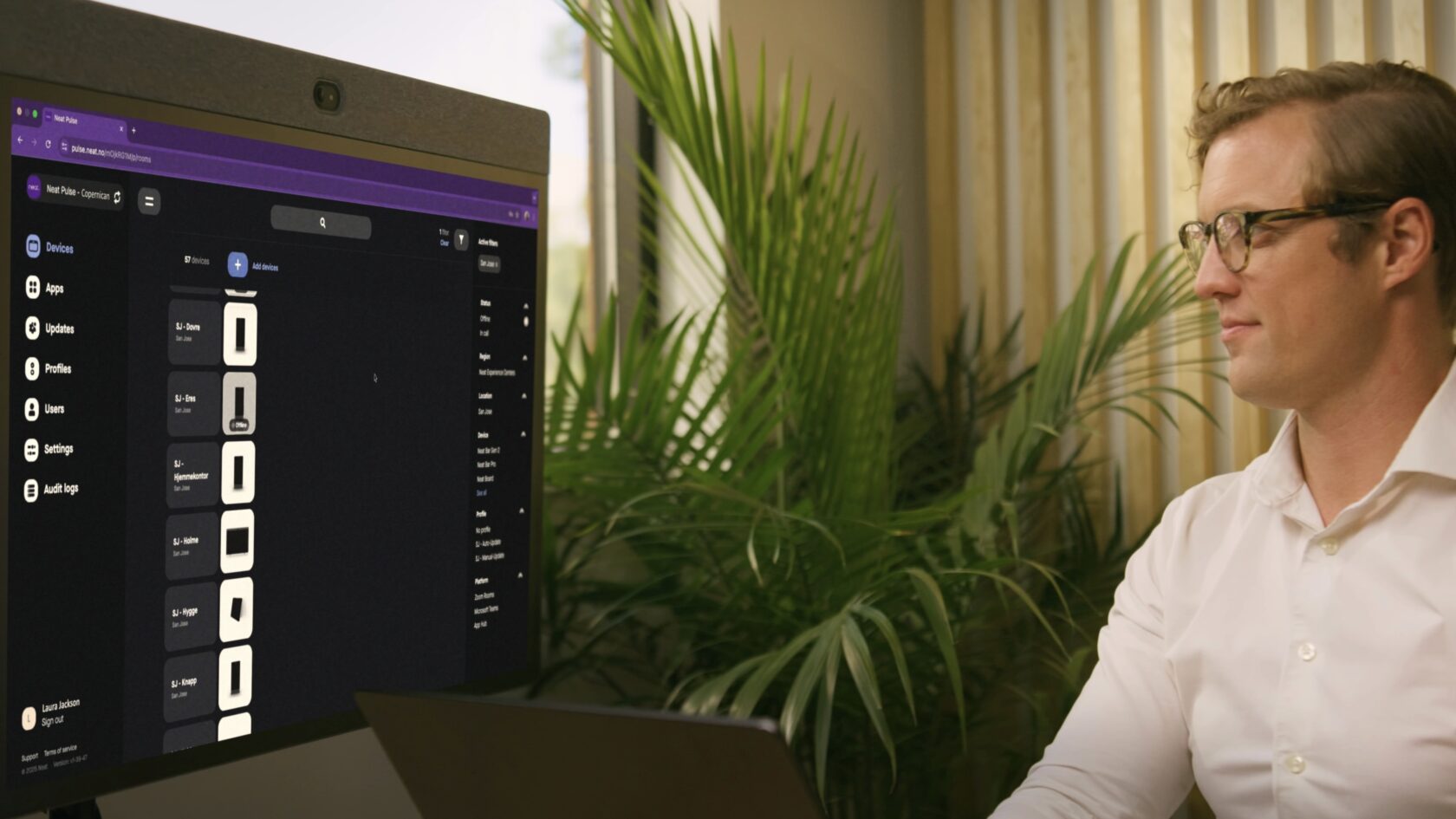
- Centralized device management
- Future-ready software capabilities
Choosing technology that is easy to deploy and simple to use helps reduce meeting friction while supporting long-term workplace flexibility.
Key huddle room trends shaping workplaces in 2026
AI-ready meeting spaces
Meeting summaries, transcription, intelligent framing, workflow automation, and AI-powered search are becoming standard expectations in modern collaboration spaces.
Meeting equity
Organizations continue to prioritize meeting experiences where remote participants can contribute just as effectively as those physically present in the room.
Flexible workplace design
Huddle rooms are increasingly designed as multi-purpose spaces that can support collaboration, presentations, workshops, and focused work throughout the day.
Simplified meeting technology
Organizations are replacing complex Audio Visual (AV) installations with integrated collaboration devices that are easier to deploy, manage, and use.
Data-driven workplace planning
Room utilization data and workplace analytics are helping organizations better understand how collaboration spaces are used and where future investments should be made.
Common mistakes to avoid
Even well-designed huddle rooms can fall short if common pitfalls are overlooked.
Some of the most common mistakes include:
- Choosing a room that is too large or too small
- Overcomplicating meeting technology
- Ignoring acoustics
- Poor camera placement
- Designing only for in-room participants
- Failing to future-proof collaboration technology
Successful huddle rooms are designed around people first and technology second.
Where Neat fits in
Huddle rooms are most effective when technology supports collaboration without becoming the focus of the meeting.
Neat’s approach is built around creating simple, intelligent meeting experiences that help people connect naturally, whether they’re sitting together in the room or joining remotely.
For huddle rooms, Neat Bar Generation 2 provides an all-in-one collaboration device that combines intelligent audio, advanced video capabilities, and native support for leading collaboration platforms in a compact design. By integrating the camera, microphones, and speakers into a single device, it helps organizations reduce technology complexity while creating meeting spaces that are easier to deploy, manage, and use.
For more interactive collaboration, Neat Board 32 combines a 32-inch multi-touch display, intelligent camera, microphones, speakers, and digital whiteboarding into a single portable device. Designed specifically for smaller collaboration spaces, it gives teams the flexibility to move seamlessly between video meetings, brainstorming sessions, content sharing, and annotation without additional hardware.
As organizations increasingly adopt AI-powered workflows, flexibility is becoming just as important as functionality. Through Neat Open, organizations can choose the collaboration platforms, applications, and AI experiences that best fit their needs while maintaining a consistent meeting room experience. This flexibility allows businesses to adapt as workplace requirements evolve rather than being locked into a single ecosystem.
Underlying these solutions are Neat’s proprietary technologies including intelligent framing, adaptive audio, and meeting equity features that continuously optimize meetings so participants can see, hear, and engage naturally regardless of where they are located.
By combining purpose-built collaboration devices with an open, AI-ready platform, Neat helps organizations create huddle rooms that are simple to use, easy to manage, and ready for the future of hybrid work.
Perhaps it’s time to book a demo and experience them for yourself.
Frequently asked questions
What is a huddle room?
A huddle room is a small meeting space designed for two to six people. Unlike a traditional conference room, it is intended for quick, informal collaboration and is typically equipped with integrated video conferencing technology to support both in-person and remote participants.
How many people should a huddle room accommodate?
Most huddle rooms are designed for between two and six people. Keeping the room appropriately sized helps teams collaborate comfortably while making better use of available office space.
What’s the difference between a huddle room and a conference room?
Huddle rooms are smaller, more informal spaces designed for quick collaboration, brainstorming, one-to-one meetings, and hybrid teamwork. Conference rooms are generally larger and better suited to formal meetings, presentations, workshops, and larger groups.
What technology should a huddle room have?
A modern huddle room should include high-quality video conferencing technology, microphones, speakers, wireless content sharing, collaboration software, and intuitive meeting controls. Many organizations also choose AI-ready collaboration devices that support intelligent framing, meeting summaries, and other productivity features.
Are huddle rooms suitable for hybrid meetings?
Yes. Huddle rooms are particularly effective for hybrid meetings because they provide an environment where small groups can collaborate naturally while ensuring remote participants can see, hear, and contribute to the discussion.
How large should a huddle room be?
While room sizes vary depending on office layout, most huddle rooms comfortably accommodate two to six people and include enough space for seating, collaboration technology, and movement without feeling overcrowded.
How do you design a successful huddle room?
Successful huddle rooms combine flexible furniture, integrated collaboration technology, strong acoustics, appropriate lighting, and intuitive room controls. The goal is to create a space that supports fast, productive collaboration while minimizing meeting friction.
Sources
- What Is a Huddle Room? The Complete Guide to Design, Technology, and Best Practices, Gable, https://www.gable.to/blog/post/huddle-room
- What Is a Huddle Room and How to Set It Up?, YAROOMS, https://www.yarooms.com/blog/what-is-a-huddle-room
- Workplace Design and Trends, JLL, https://www.jll.com/en/trends-and-insights/workplace
- The WELL Standard, International WELL Building Institute, https://www.wellcertified.com/
- What Do Huddle Rooms Look Like in a Post-Pandemic Workplace?, TechTarget, https://www.techtarget.com/searchunifiedcommunications/tip/what-do-huddle-rooms-look-like-in-a-post-pandemic-workplace





